

Get started
1
Install the plugin
Open Etherscan in ChatGPT’s plugin directory, sign in to ChatGPT, and select Install plugin.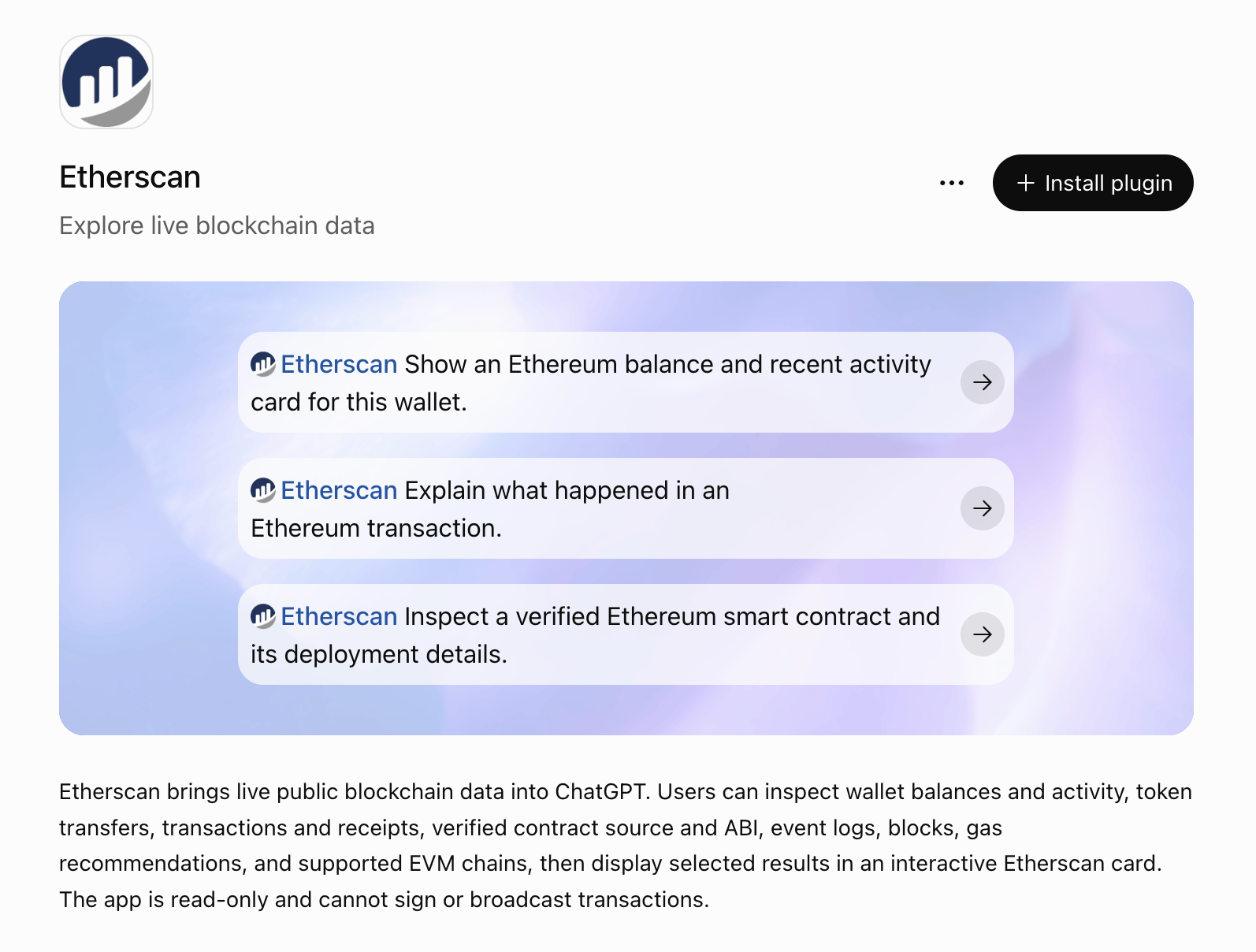
2
Ask your first question
Start a new chat and ask in plain language:In this example, ChatGPT reads the contract’s verified source, ABI, and deployment details from Etherscan, then shows the result in an interactive Etherscan card. It explains that this is USDC, a verified upgradeable proxy, with its deployment block, creator, and implementation contract.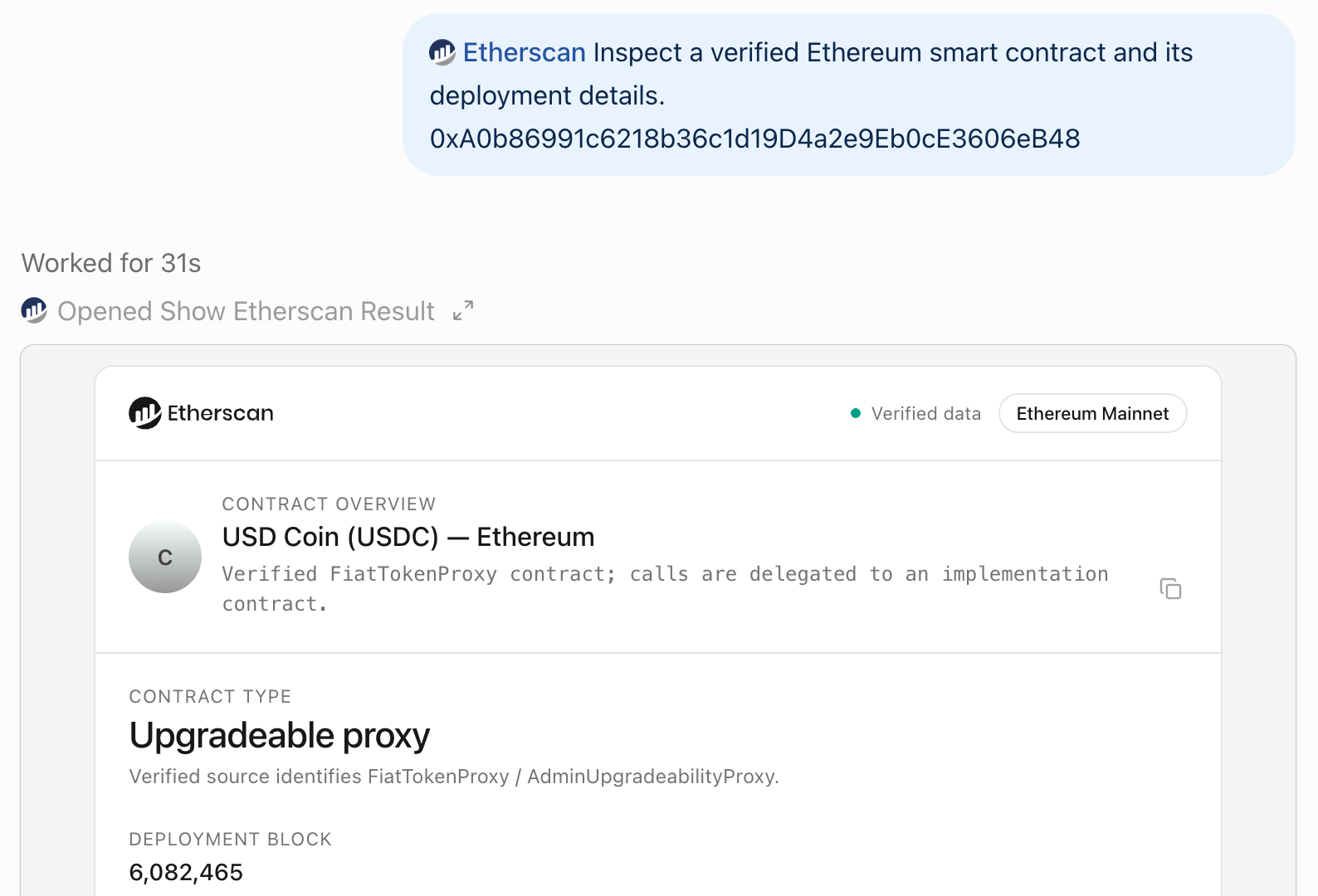
What you can ask
Ask in plain language. ChatGPT picks the right Etherscan tools for:- Native coin balances and ERC-20, ERC-721, and ERC-1155 token transfers for any address
- Normal and internal transaction history
- A transaction’s details, receipt, and status
- Verified contract source code and ABI, plus a contract’s creator and creation transaction
- Event logs filtered by address and topics
- The block at a given time, current gas prices, and the list of supported chains
Limits
The plugin uses the keyless Etherscan MCP server:- 16 read-only tools. The PRO tools are not included: token holdings, token info, top holders, funding source, and address labels.
- Rate limited. Its limits are separate from API plans.
What the plugin installs
The plugin installs two parts:- The Etherscan app: the connection to Etherscan’s tools.
- The
etherscanskill: instructions that guide how ChatGPT uses those tools. It calls the narrowest tool for your question, shows results in an Etherscan card unless you ask for plain text, and keeps exact addresses, hashes, and amounts. It never invents labels, identities, or risk scores that Etherscan did not return.
Good to know
- Read-only. Every tool reads public onchain data. Nothing signs or sends a transaction.
- Verify what matters. Results keep exact addresses, hashes, and amounts, so you can check them on Etherscan.
- Chat context. When the plugin is connected, ChatGPT may share relevant chats and memories with it to answer your requests. See OpenAI’s apps in ChatGPT guide and Etherscan’s privacy policy.