

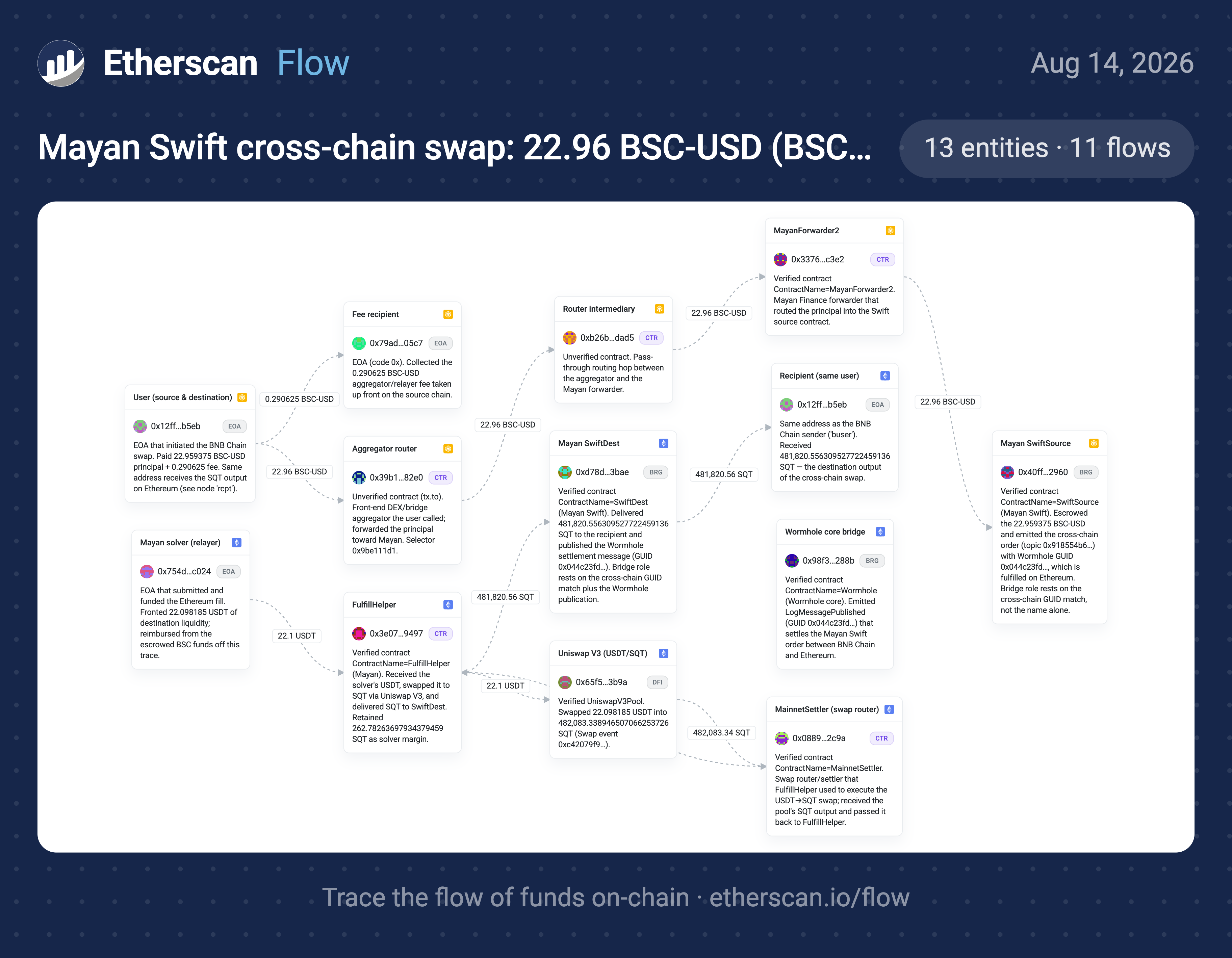
- Strict trace: start from a transaction hash or address and follow the money.
- Business/entity profile: start from a DAO, protocol, or business, resolve it to verified addresses, then summarize income, spending, and totals.
- Document import: paste a draft case, notes, or a link you typed, and it verifies every address and claim against the live API.
Get started
1
Install the skill
- Claude Code CLI / Codex CLI
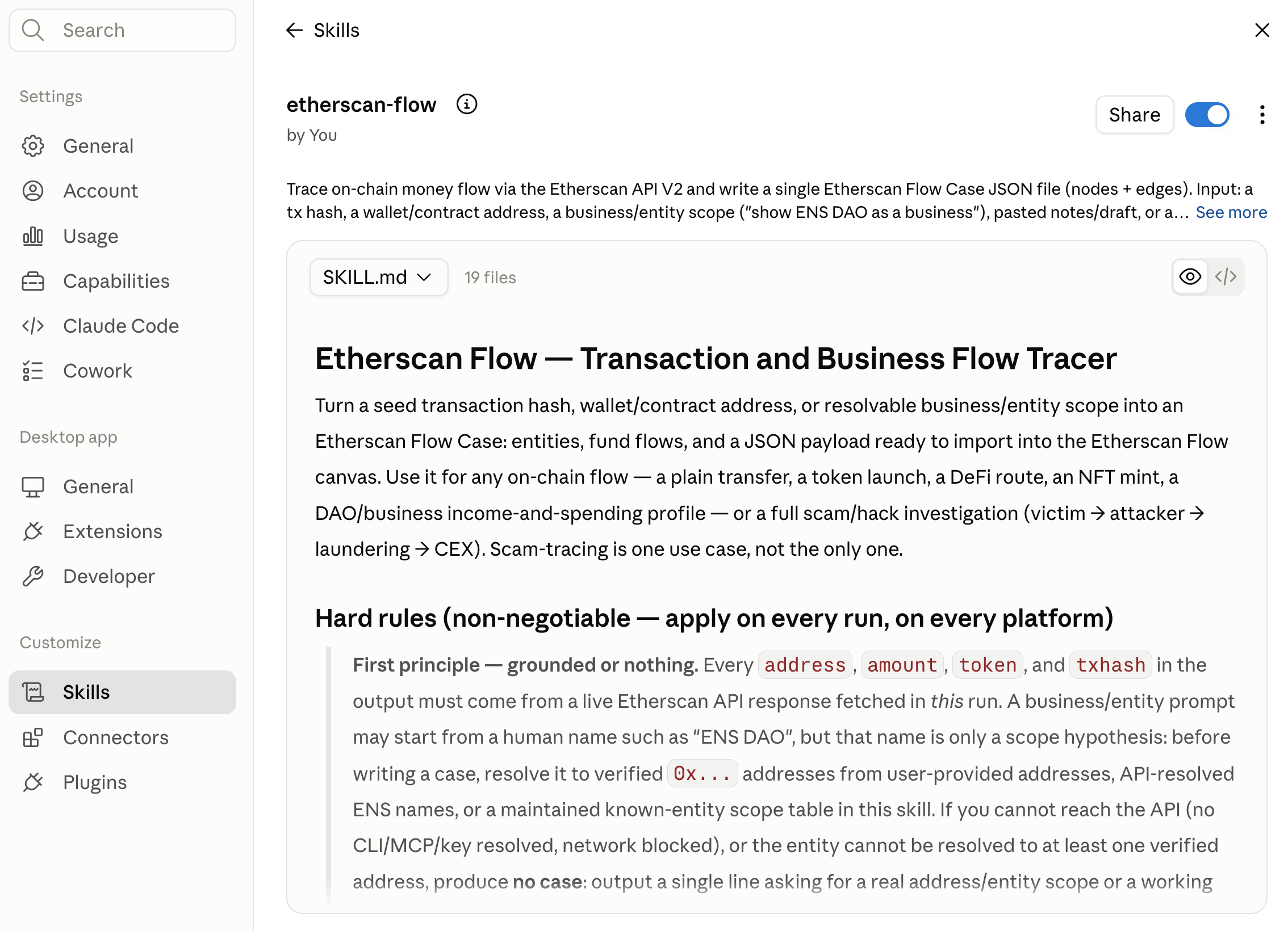
- Claude Desktop
Add the skill with the skills.sh CLI. Or clone the repo and move the folder into your agent’s skills directory,
-g installs it globally (user-level, so it is available in every project) and -a '*' installs it for every agent you have set up (Claude Code, Codex, and others):~/.claude/skills/ or ~/.codex/skills/: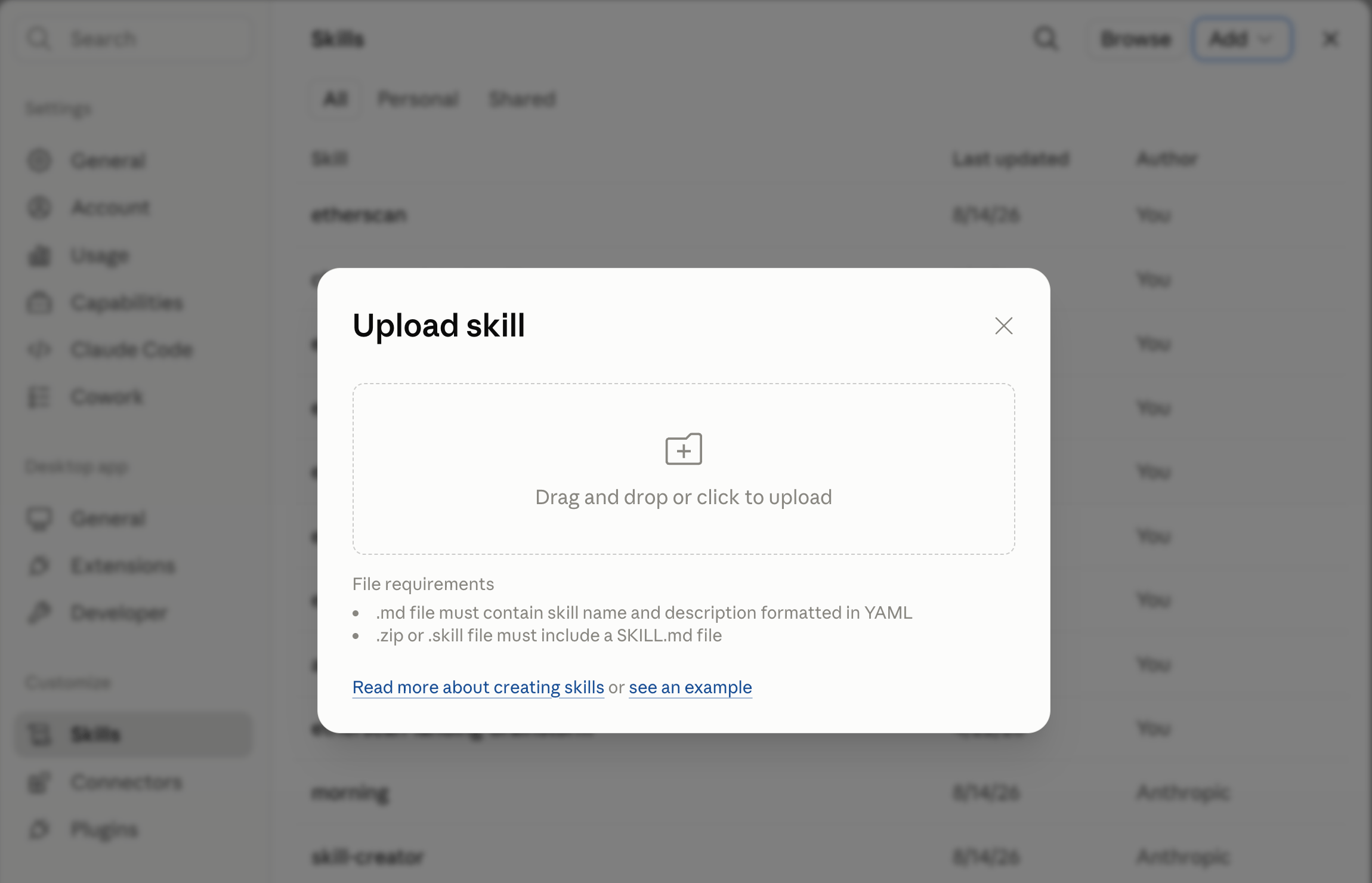
2
Run your first trace
Describe the case in plain language.The agent pulls live transactions, follows the money hop by hop, and returns an import-ready Flow Case.
Provide an API key
Etherscan Flow calls the Etherscan API, which needs an API key. The skill resolves one in this order, first usable match wins:- The Etherscan CLI config
- The Etherscan MCP connection
- An inline
apikey=in your request - The
ETHERSCAN_API_KEYenvironment variable - A local key file
Example Usage
Paste a hash or address and ask to investigate:Run without approving every call
A single trace can make many API calls (up to 100), so your agent may prompt you to approve each one. That prompt comes from your agent’s own permission system, not from Etherscan Flow. You can safely approve them all at once: every call is a read-onlyGET to a single host, api.etherscan.io, so nothing is written or spent. To set that up in Claude Code, Codex, or Claude.ai, see Stop it asking permission for every call.
Output
You get a single Flow Case JSON file. Open etherscan.io/flow, choose Import, and paste it: the schema maps one to one, with no reformatting.Roles, labels, and notes in a case are an agent’s inference over public Etherscan data, not Etherscan verdicts, accusations, or legal findings.