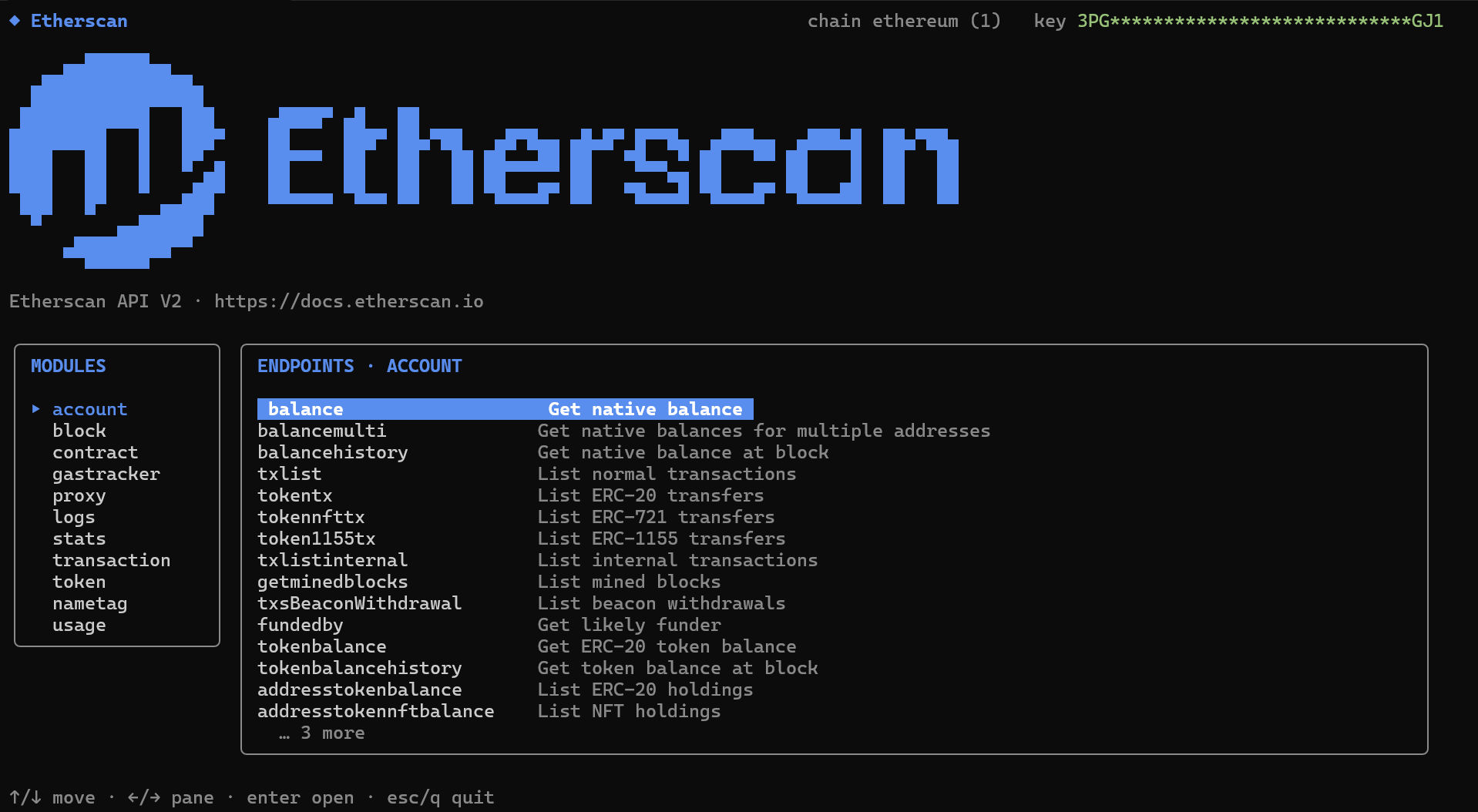
Explore endpoints interactively or script them across every supported chain by name or ID, with clean JSON by default (or tables and CSV for people) across accounts, contracts, tokens, logs, gas, stats, and name tags.
The Etherscan CLI interactive explorer (etherscan tui), listing the Account module endpoints
GitHub → | Command reference →

Get started

1

Install

Then verify the install:
Upgrade any time with:
Prebuilt binaries for your operating system are also on the releases page.
2

Authenticate

First, create a free API key if you do not have one. Then save it locally and confirm the active identity:
3

Run your first commands

Get a native balance (JSON by default):
Run the same query on another chain, by name or chain ID:
List every supported chain:
Or open the full-screen interactive explorer:

Command reference

Commands follow etherscan <module> <action>, mirroring the API. JSON is the default output; switch it with -o table or -o csv, use --compact to strip whitespace, and --all (bounded by --max-pages) to page through list endpoints. For a command’s options, run:
The full flag reference lives in the README.

Practical workflows

Common tasks and the commands you would run for each.

Follow wallet activity

Recent normal transactions:
ERC-20 transfers as a readable table instead of the default JSON:
Collect multiple pages for analysis:

Inspect a smart contract

WETH contract ABI:
Verified source metadata:

Switch chains

Chain names and numeric IDs both work:
See every chain built into this release:

Build scripts and agent workflows

Clean JSON for jq, Python, or an AI agent:
CSV for spreadsheets and data pipelines: