

Get started
1
Install the skill
- Claude Code CLI / Codex CLI
- Claude Desktop
Add the skill with the skills.sh CLI. Or clone the repo and move the folder into your agent’s skills directory,
-g installs it globally (user-level, so it is available in every project) and -a '*' installs it for every agent you have set up (Claude Code, Codex, and others):~/.claude/skills/ or ~/.codex/skills/: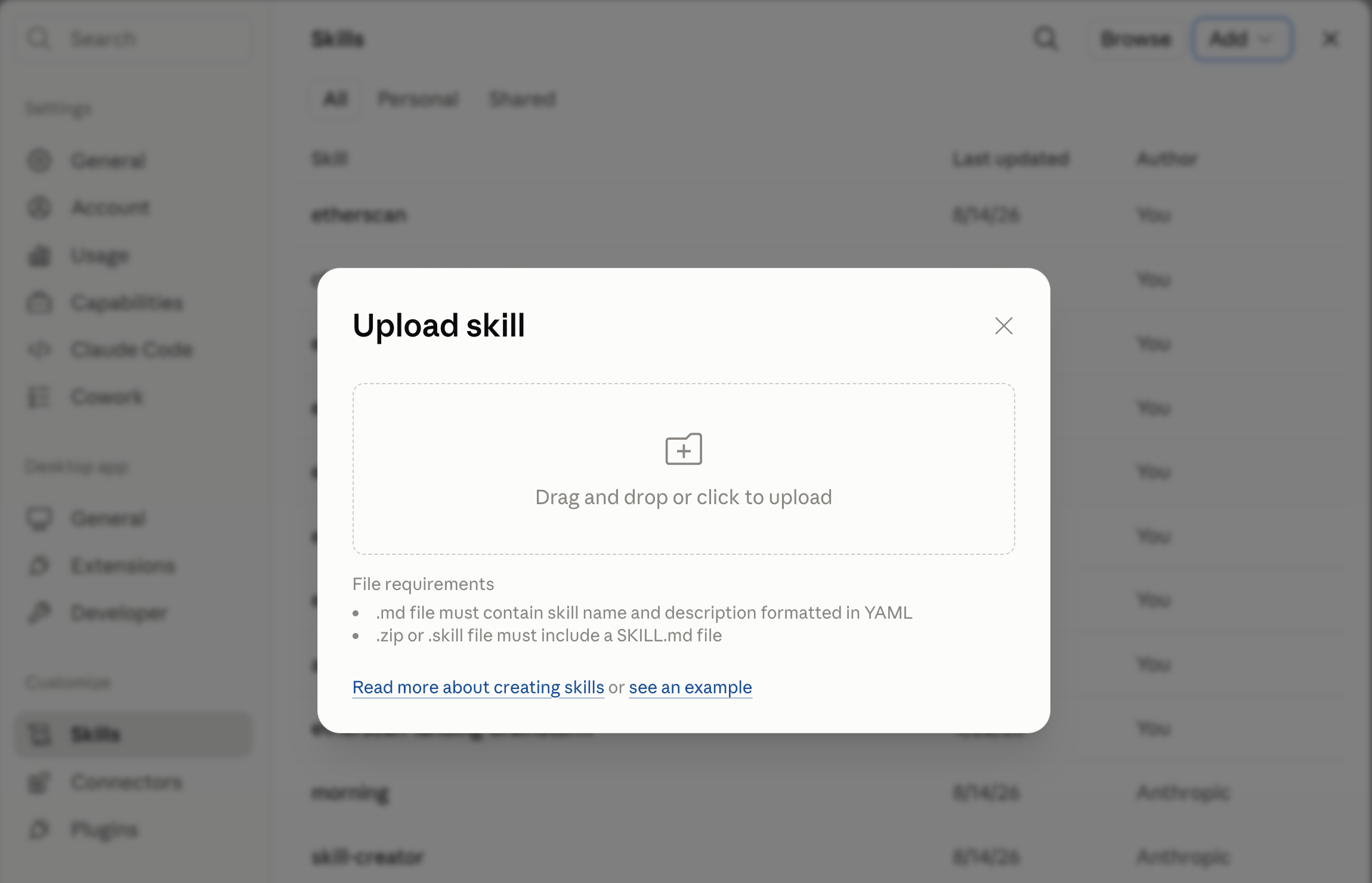
More prompts to try
Describe the task in plain language and let the skill pick the interface. Copy one to try it:What it does
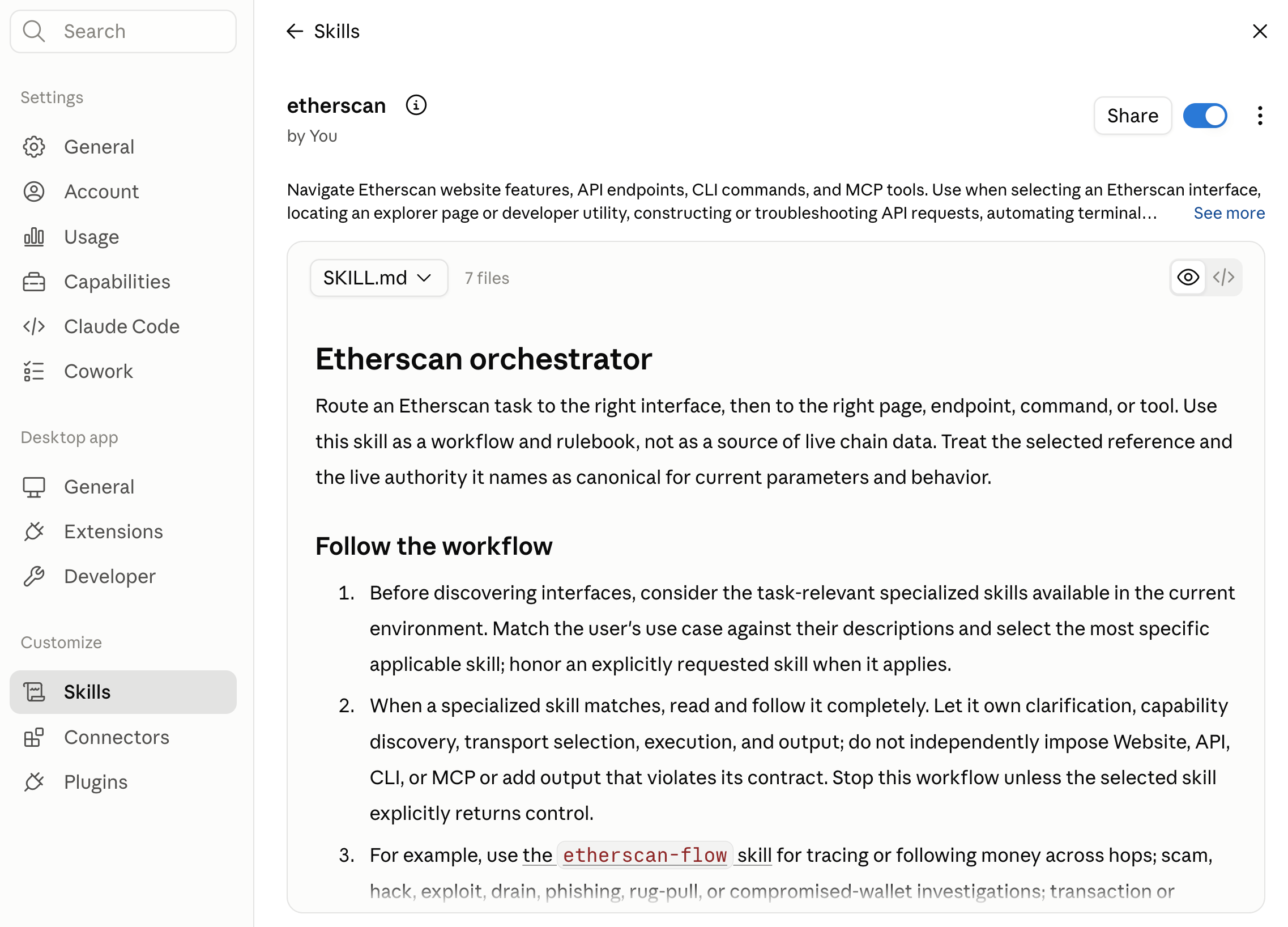
The skill guides the agent through a task instead of guessing:- Routes to a specialized skill when one fits: for a dedicated workflow like tracing money flows, it hands off to that skill; otherwise it handles the routing itself.
- Clarifies the request: the target chain and chain ID, the address or transaction, and the actual intent.
- Discovers what is available: it runs read-only checks for an installed CLI (and its version) and a connected MCP client, then tells you what it found.
- Selects the interface best suited to the task, then constructs the request per Etherscan’s documented specification and respects authentication, plan, and rate limits.
The skill never prints your API key and asks for explicit approval before any state-changing action.